The Ultimate Command Center

Run websites, projects, servers & support from one portal.

Bring multiple workflows together. Uptime monitoring, server observability, live analytics, SEO audits, project delivery, ticket support, and automated invoicing — in one connected ecosystem.

Open Dashboard → Explore features ↓
Command Center
Analytics
Projects
Status PWA
Support
Finance
Dashboard
All systems operational
42 monitors running
Live analytics active
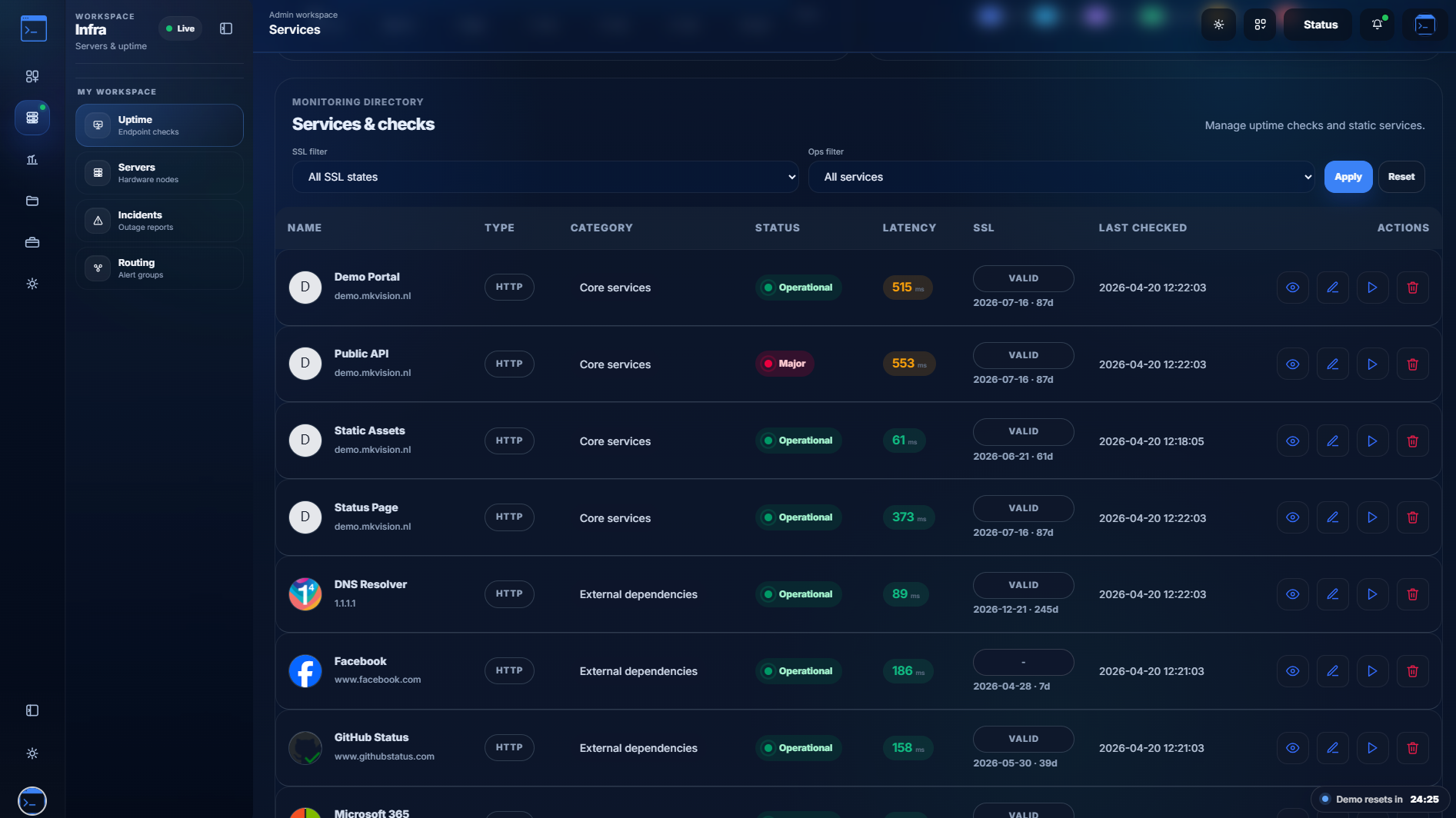
Uptime Monitoring
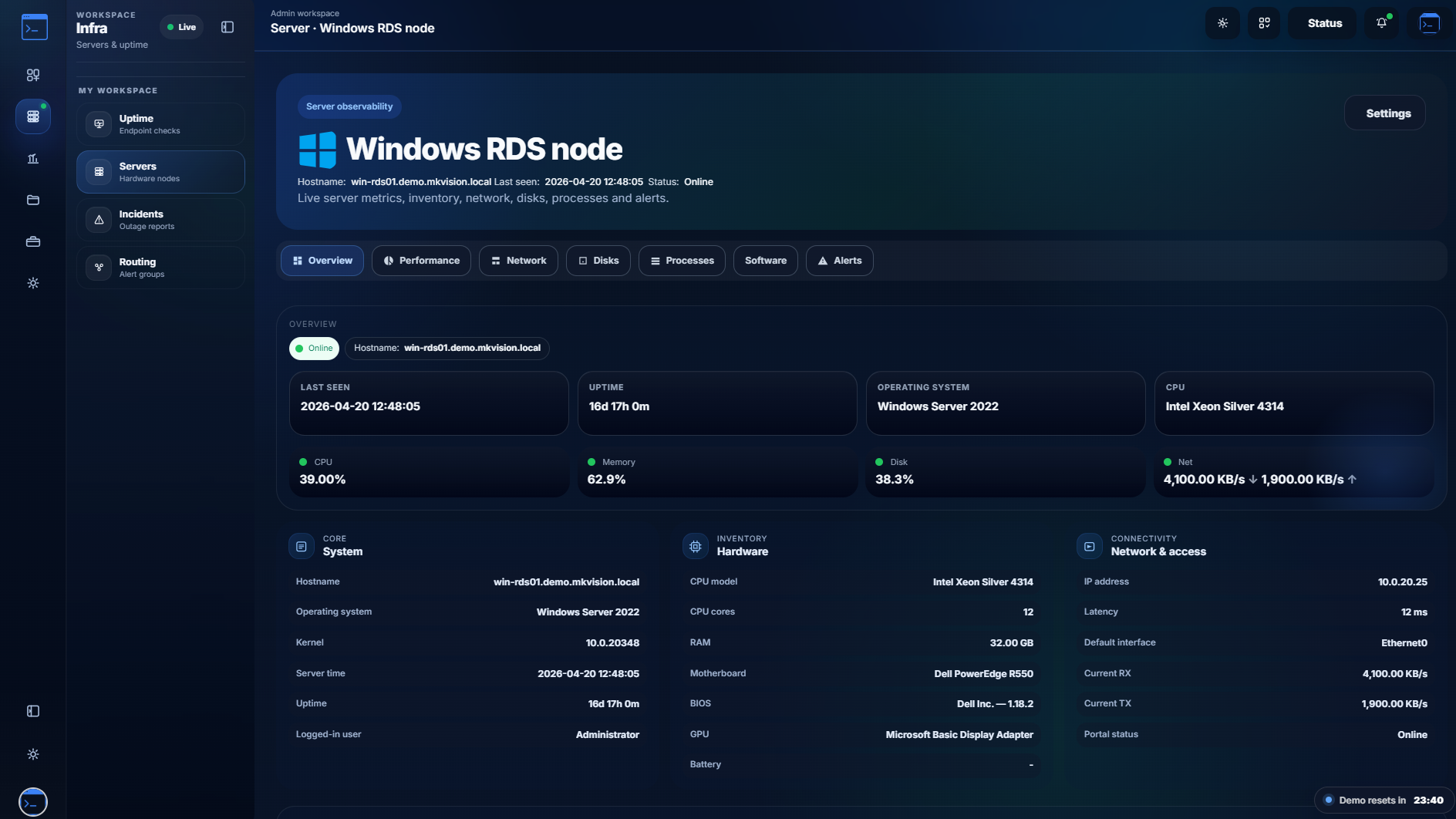
Server Observability
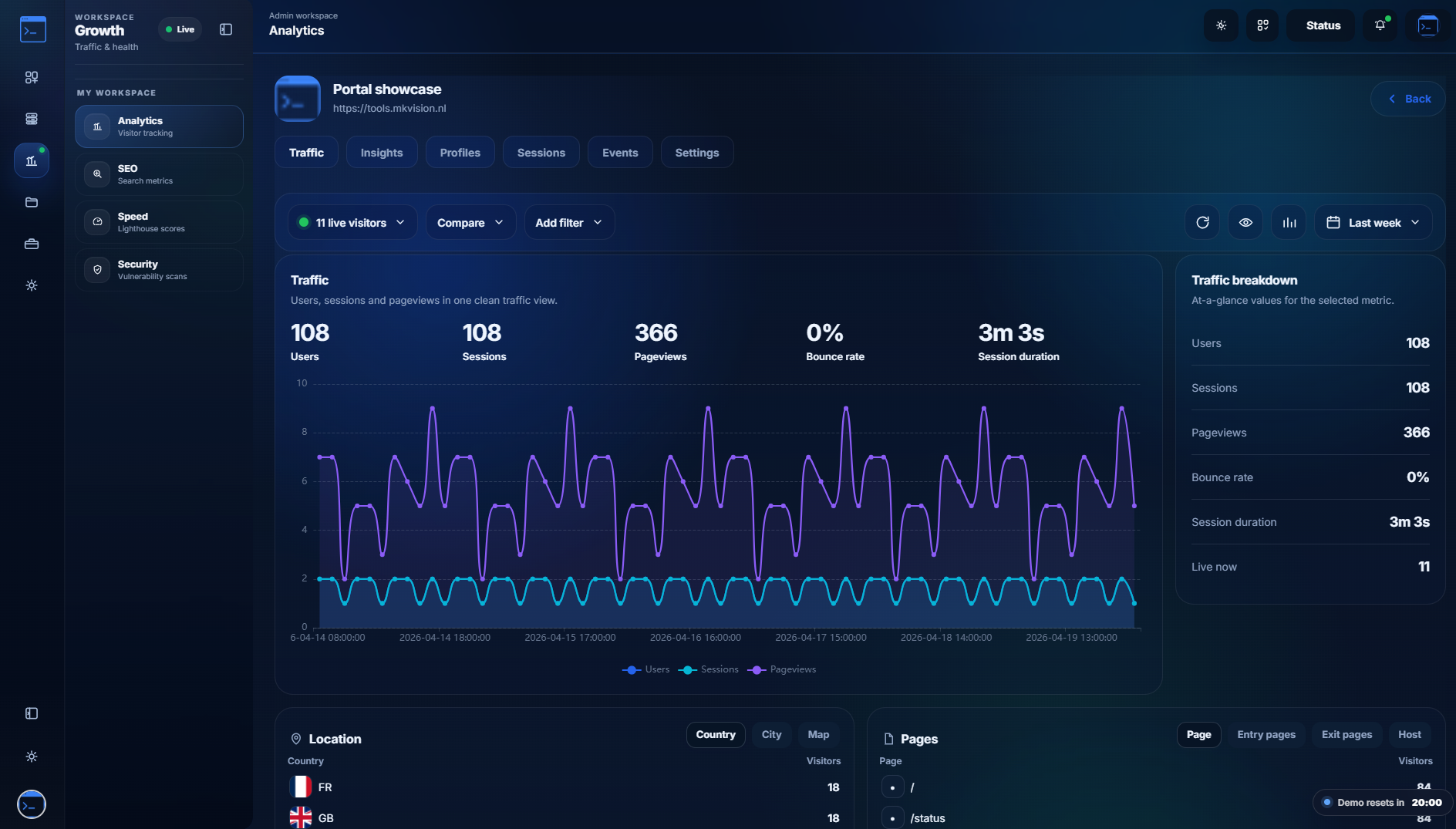
Live Analytics
SEO Audits
PageSpeed Reports
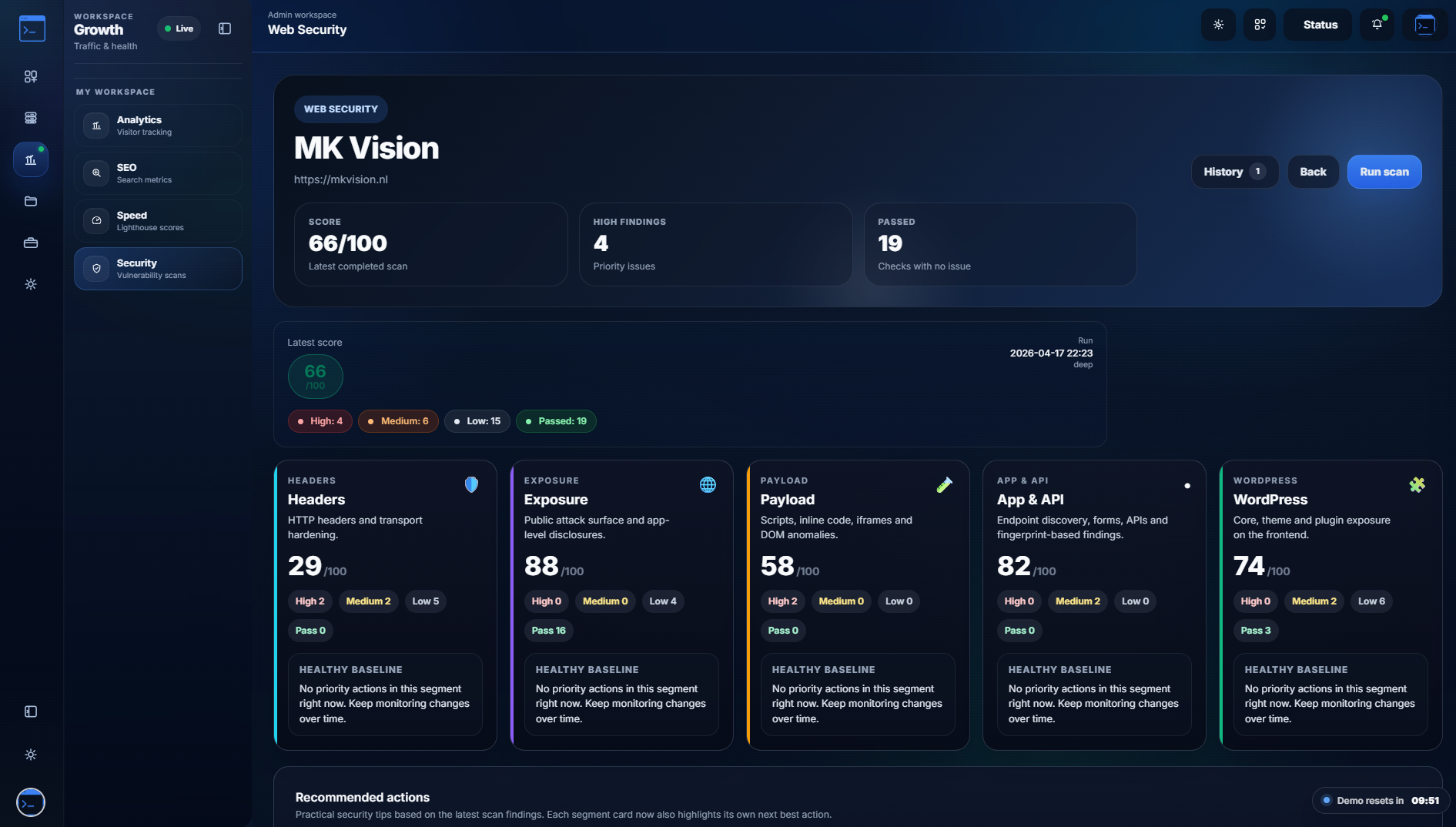
Web Security Scans
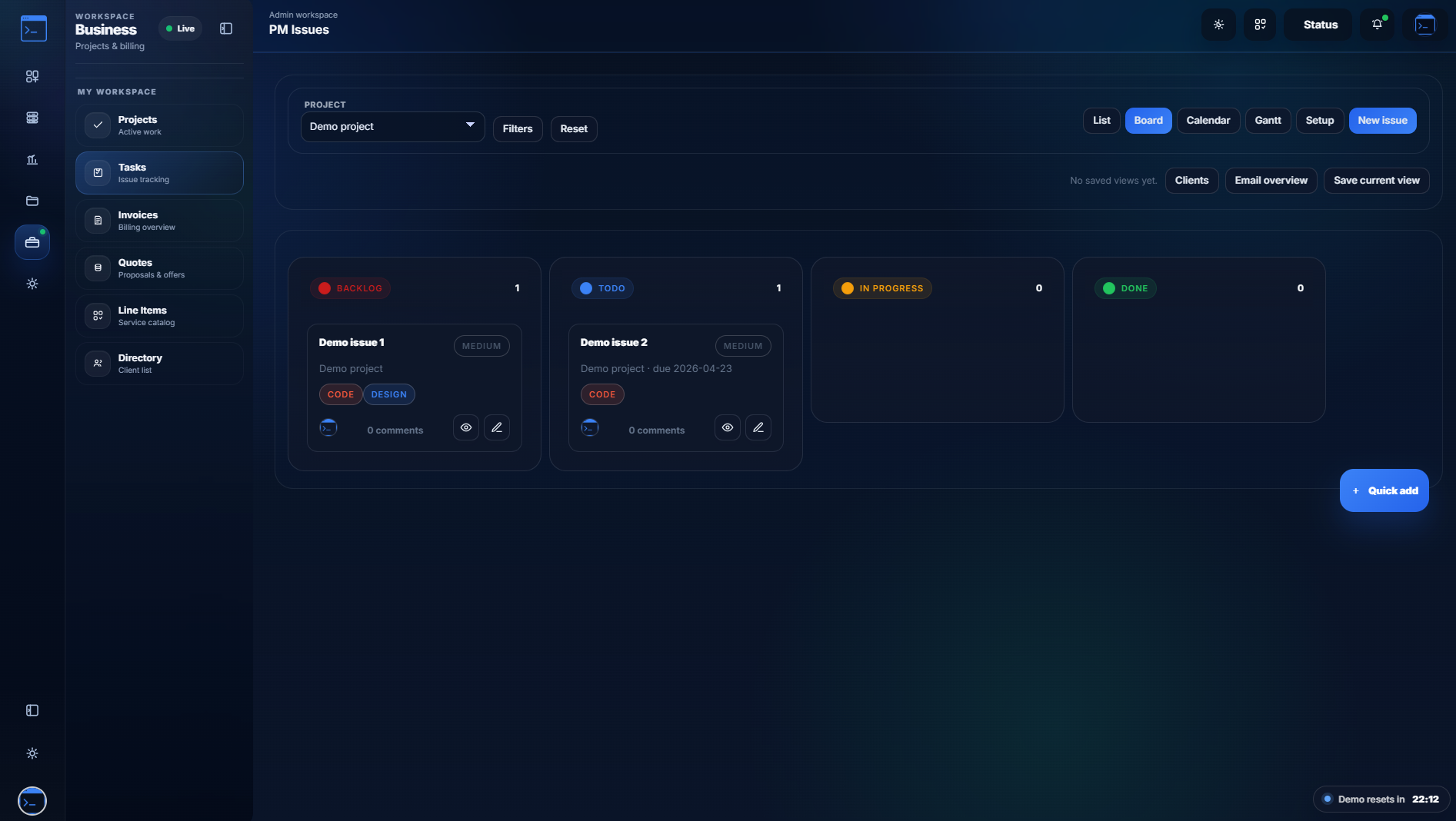
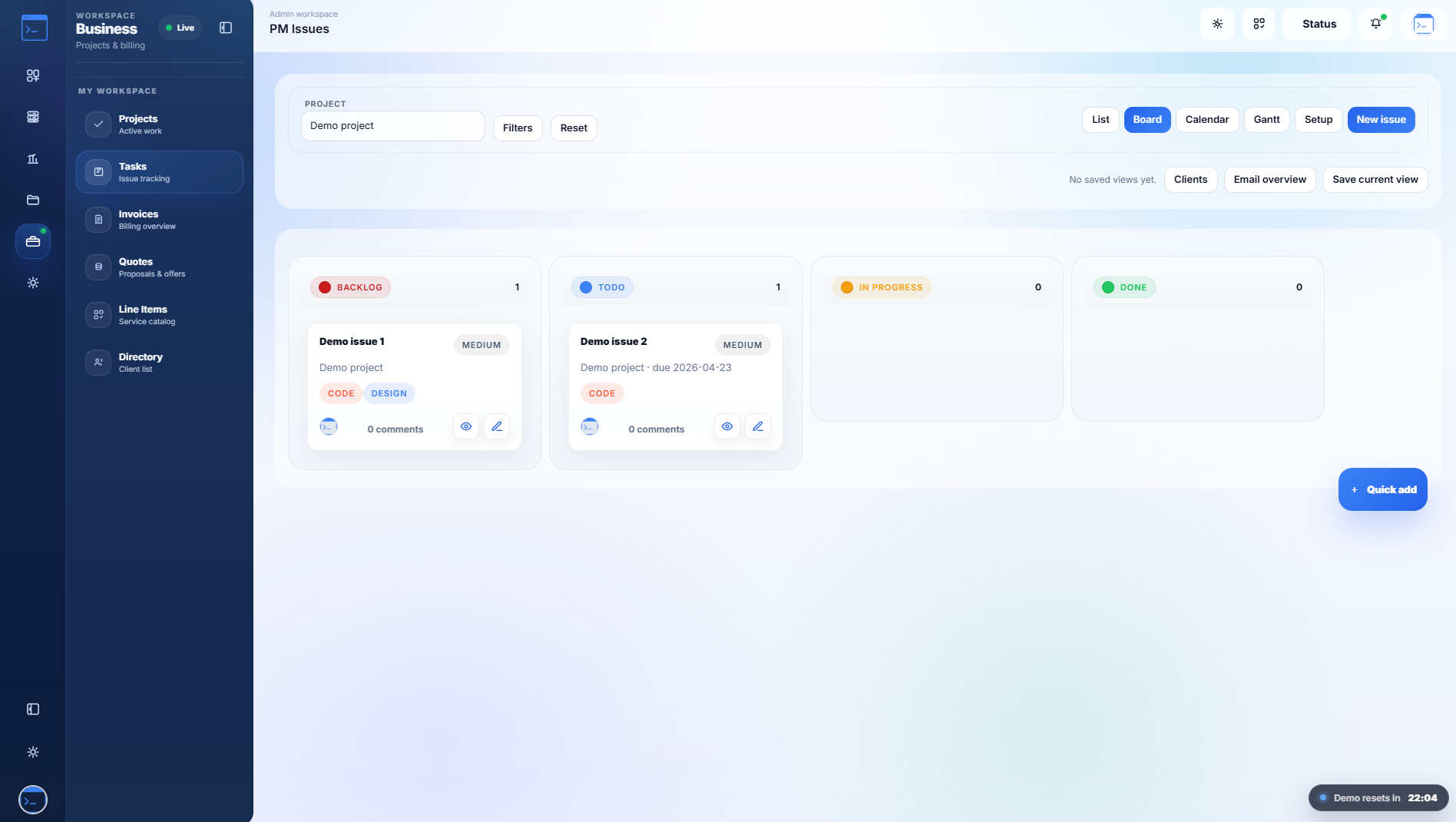
Project Management
Ticket Support Desk
Quotes & Invoices
Knowledge Base
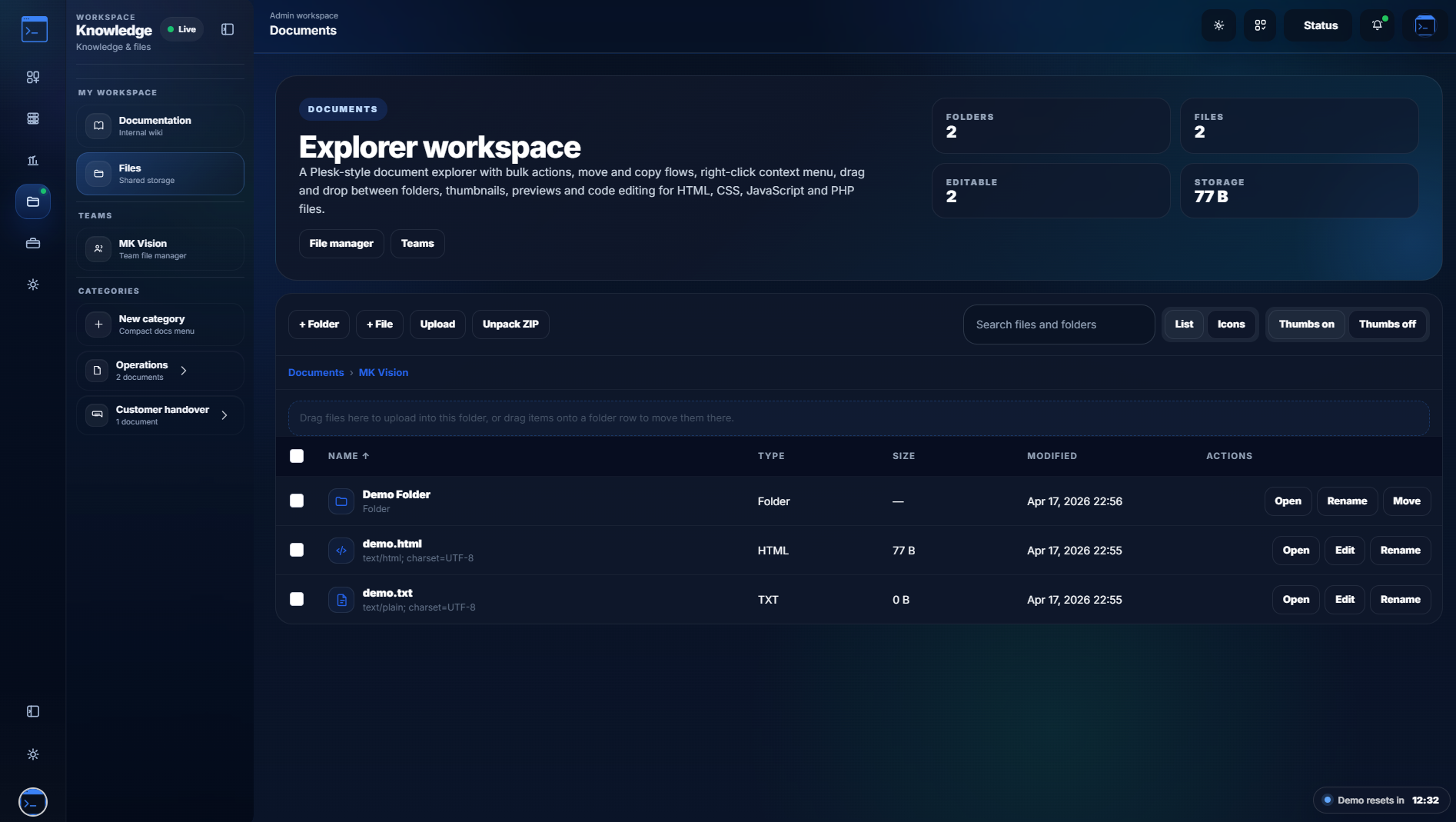
File Manager
2FA & Permissions
Uptime Monitoring
Server Observability
Live Analytics
SEO Audits
PageSpeed Reports
Web Security Scans
Project Management
Ticket Support Desk
Quotes & Invoices
Knowledge Base
File Manager
2FA & Permissions
0
Integrated Modules
0
OS Agents Supported
0
Alert Channels
0
Portal for Everything
Core Workflows

Scroll through the
primary platform engines.

Discover how interconnected modules flow seamlessly into one another — from checks to alerts, tickets to invoices.

01 / Monitoring & Status

Monitor HTTP, ping, SSL, and manage customer trust.

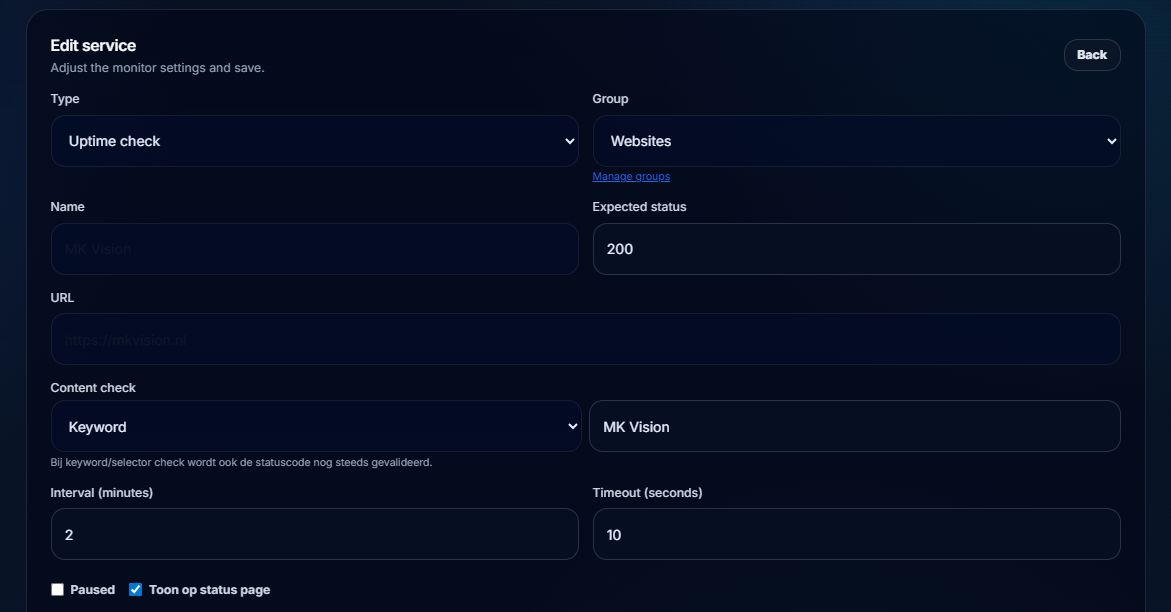
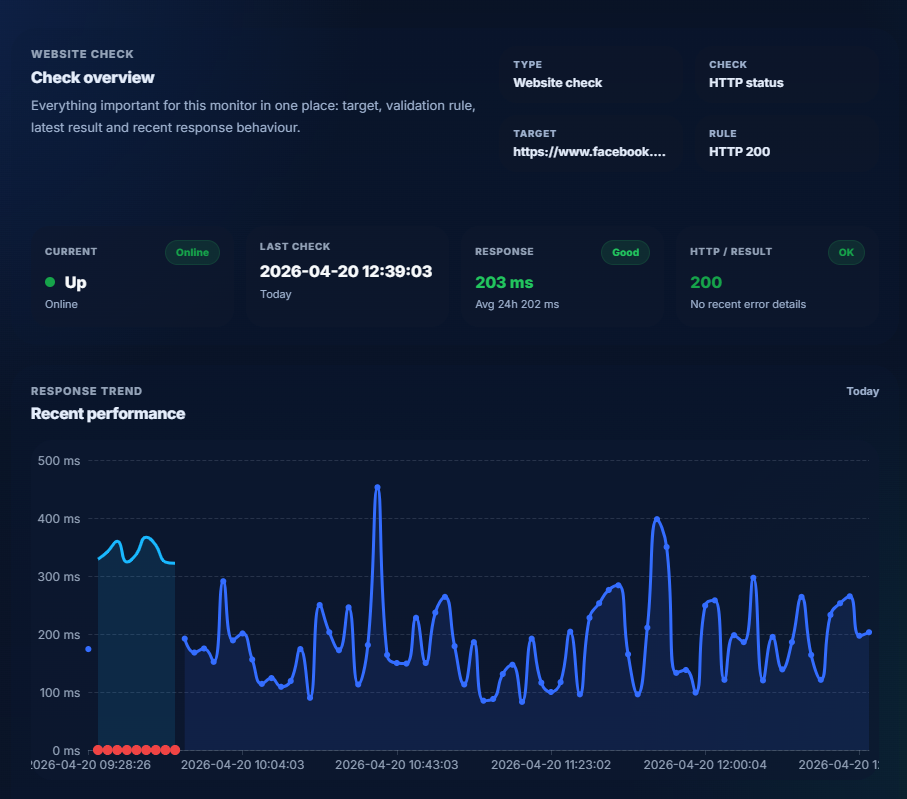
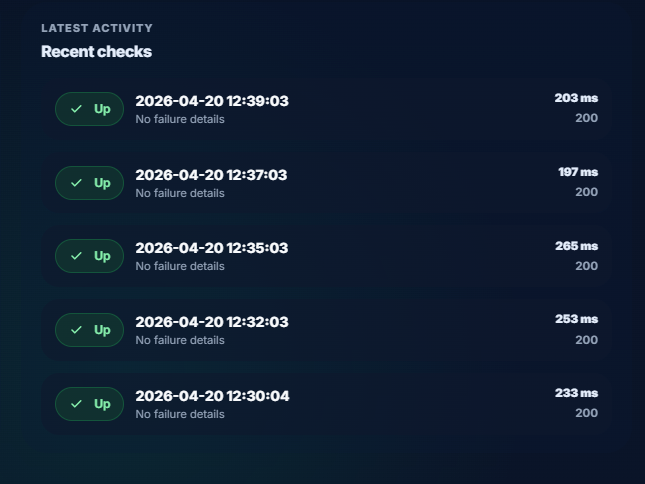
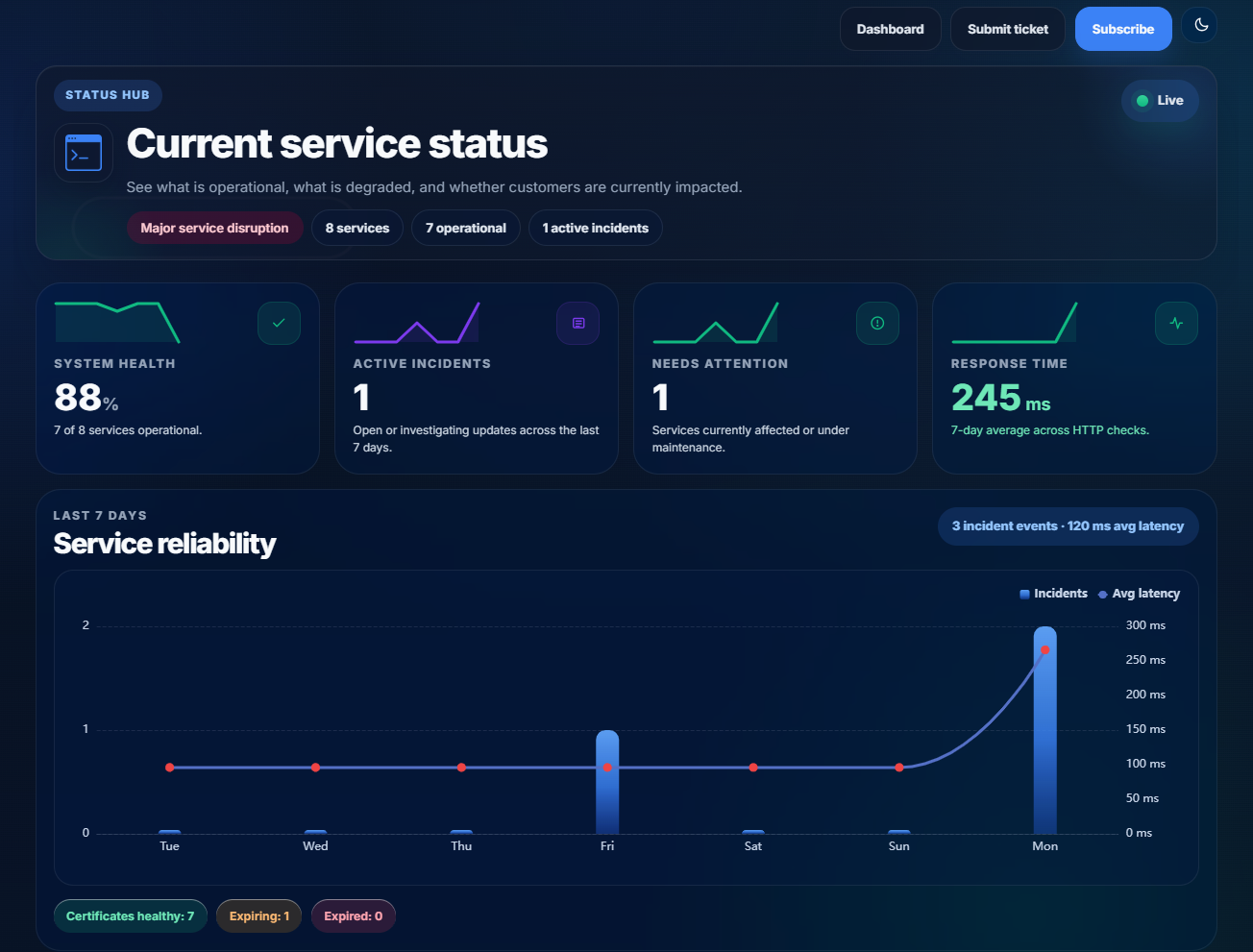
Run recurring checks, validate SSL certificates, and track response times. Publish selected services to a customer-facing PWA status page with maintenance windows and subscriber notifications.

  • Website, ping, static service, and SSL tracking
  • Mobile-ready PWA status page with incident history
  • Subscriber alerts via Email, Slack, Teams & Webhooks
Monitoring
99.98% uptime
SSL valid · 89 days
HTTP 200 OK
Avg. latency
02 / Website Analytics

Track journeys, entry pages, UTMs, and live traffic.

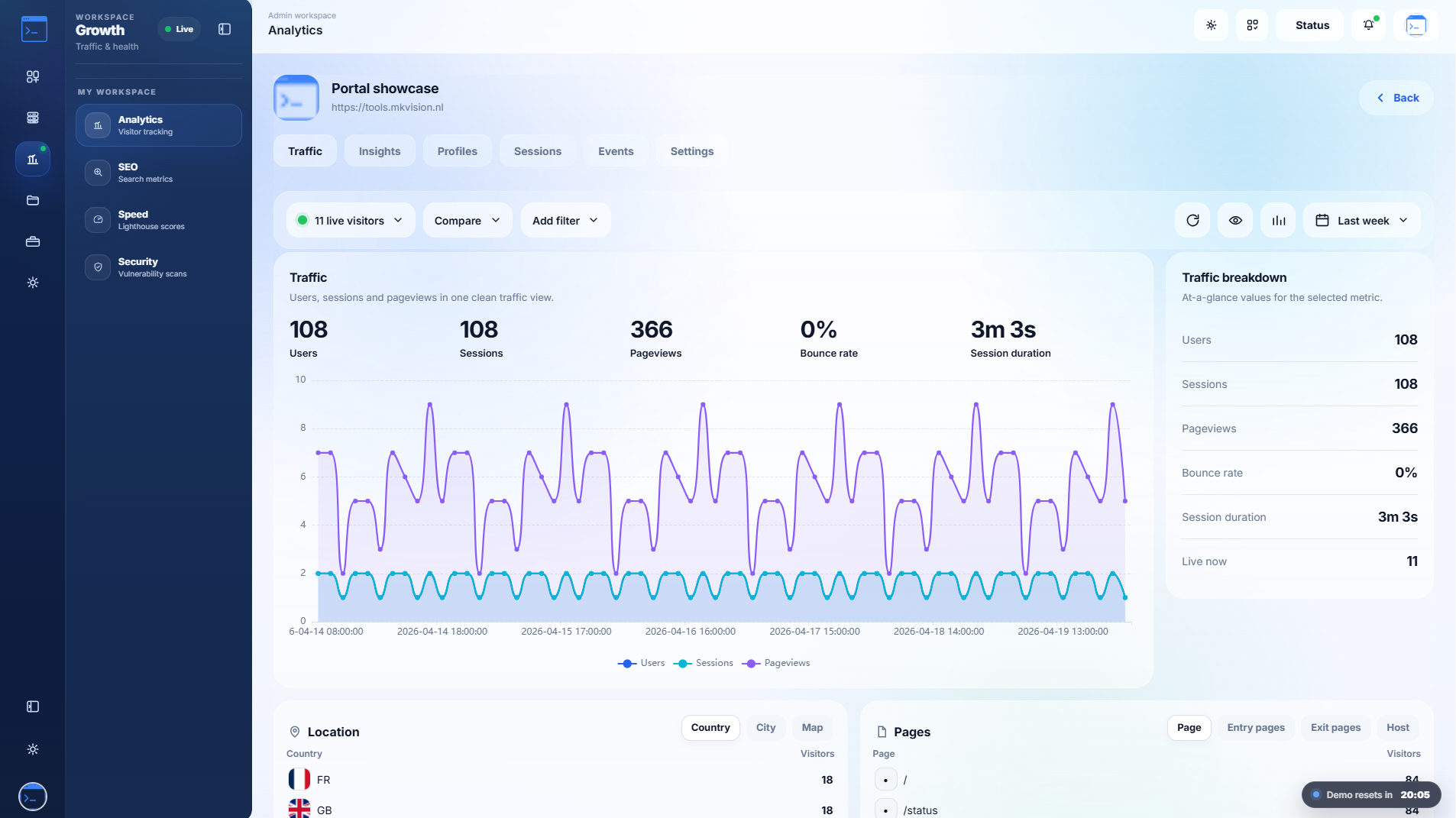
A powerful privacy-friendly analytics engine. Track visitors, sessions, screen resolutions, and profiles. Use custom date ranges, compare periods, and analyze user flow across campaigns.

  • Live visitor panels, device, and location distribution
  • UTM campaign filtering, referrers, and bounce rates
  • Public analytics sharing via secure keys
Analytics
1,284 live visitors
Bounce ↓ 12%
UTM tracked
Sessions today
03 / Project Management

Deliver projects with boards, timelines, and branded updates.

Connect issue boards, calendar views, and timeline planning in one workspace. Send branded PM progress updates directly to clients and analyze delivery mix and completion rates automatically.

  • Kanban boards, cycles, and timeline planning
  • Automated, branded client progress emails
  • Issue-to-email flows and real-time activity tracking
Projects
Sprint on track
7 issues closed today
Kanban active
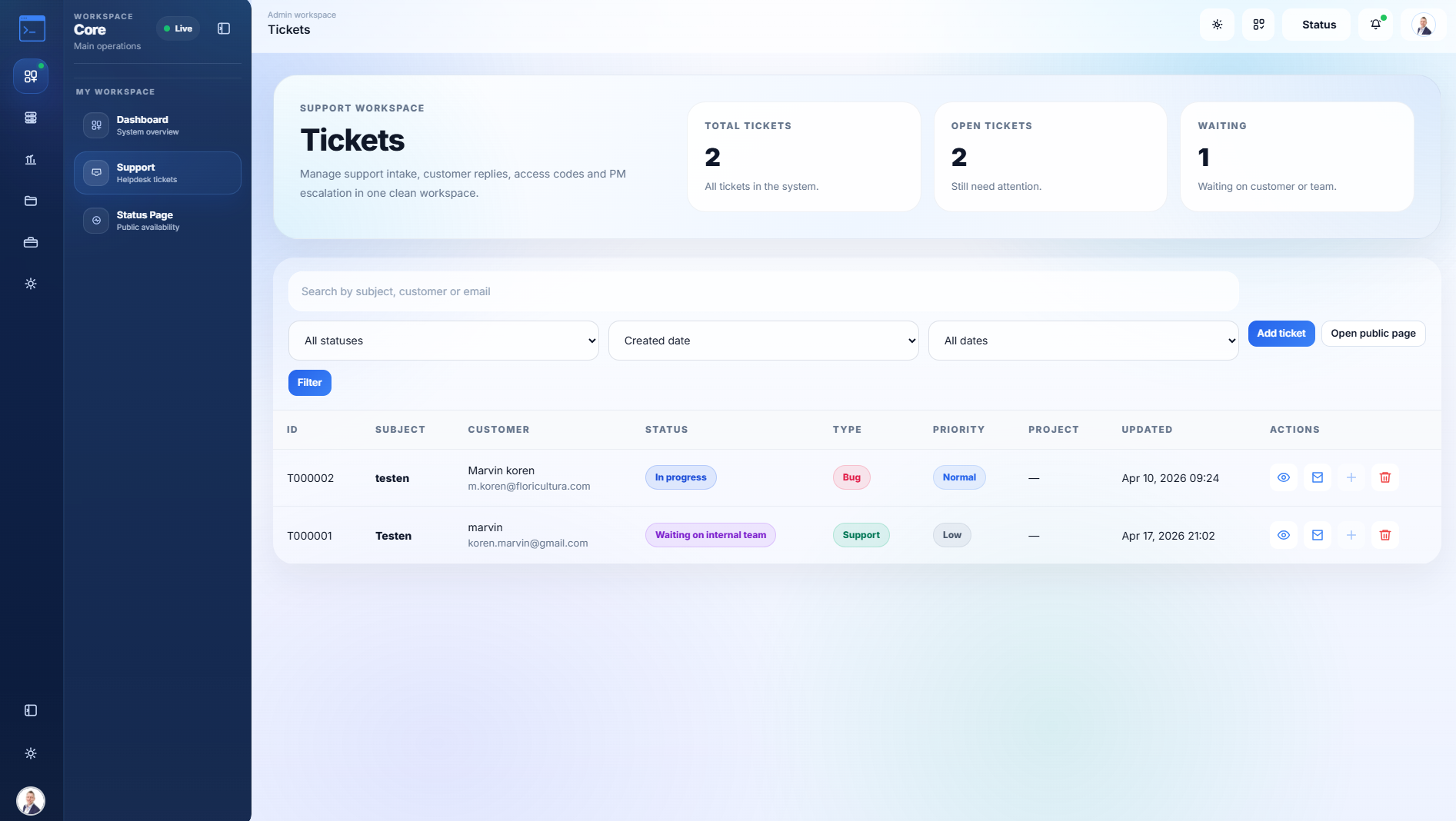
04 / Support & Tickets

Bridge the gap between customer support and development.

Customers submit requests via a public portal, upload attachments, and log back in using secure 6-digit email codes. Convert any support ticket directly into a project board issue with one click.
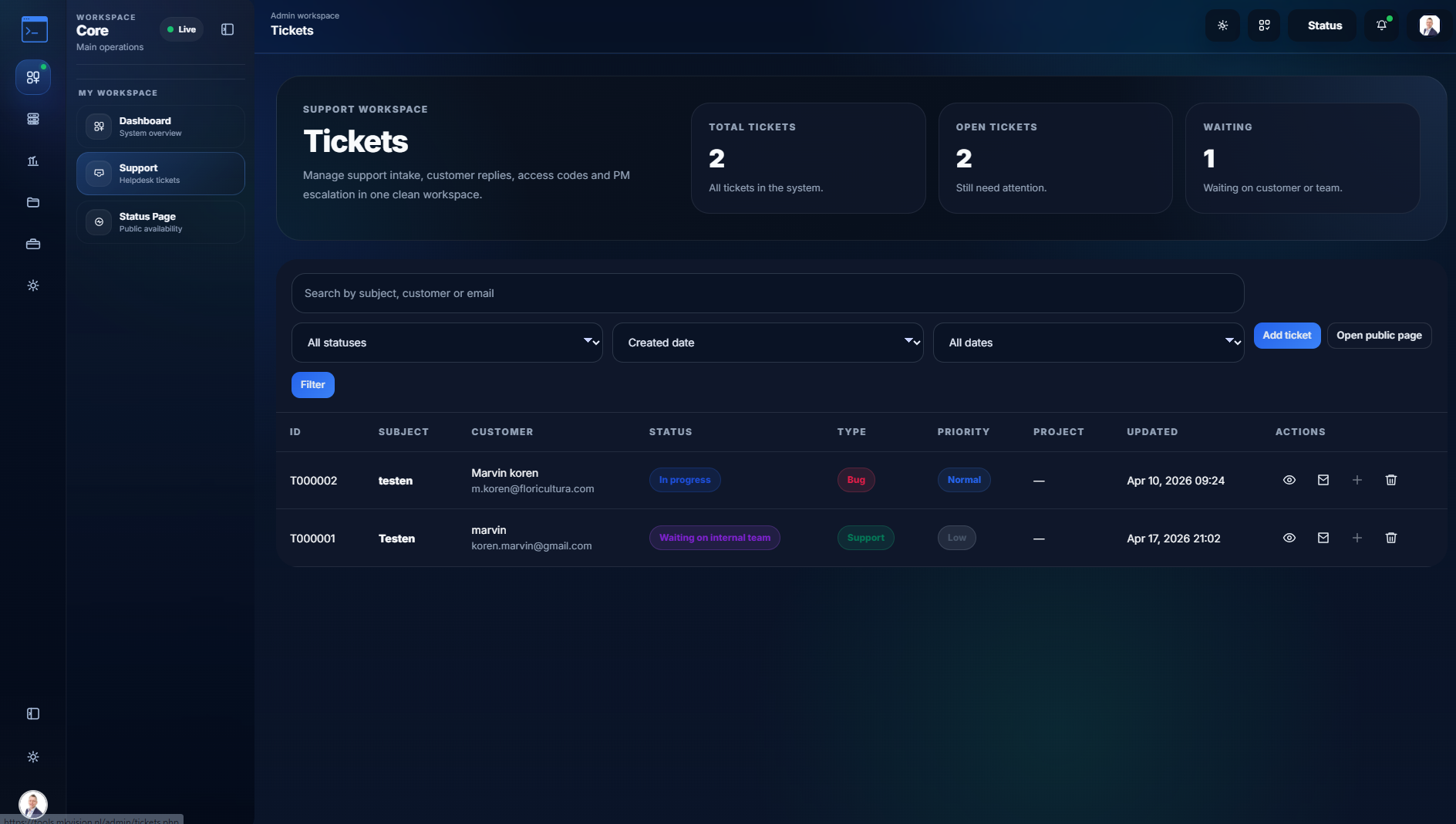
  • Secure public portal with 6-digit access codes
  • One-click conversion from ticket to project issue
  • Internal notes, attachments, and conversation history
Tickets
3 new tickets
Converted to issue
6-digit secure
05 / Finance Workflow

Secure quotes, digital signatures, and automated invoicing.

Create quotes with shared line items and VAT rules. Send secure links where clients review and sign digitally. Convert accepted quotes instantly into invoices and send PDF reminders.
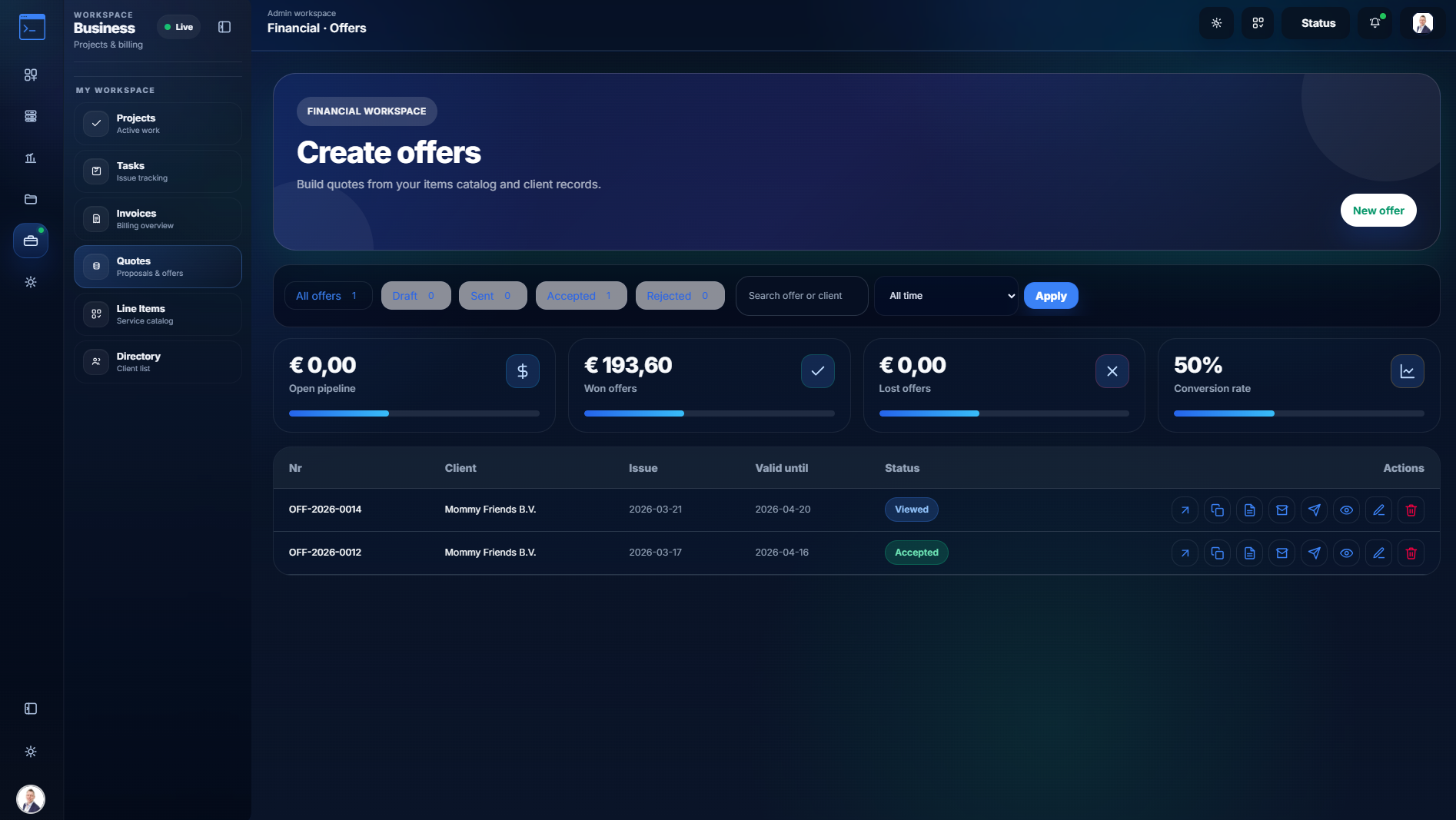
  • Online review portal with view-tracking and digital signatures
  • One-click quote to invoice conversion
  • Custom document prefixes, currency support, and PDF exports
Finance
Quote accepted ✓
PDF exported
Digitally signed
Invoice paid
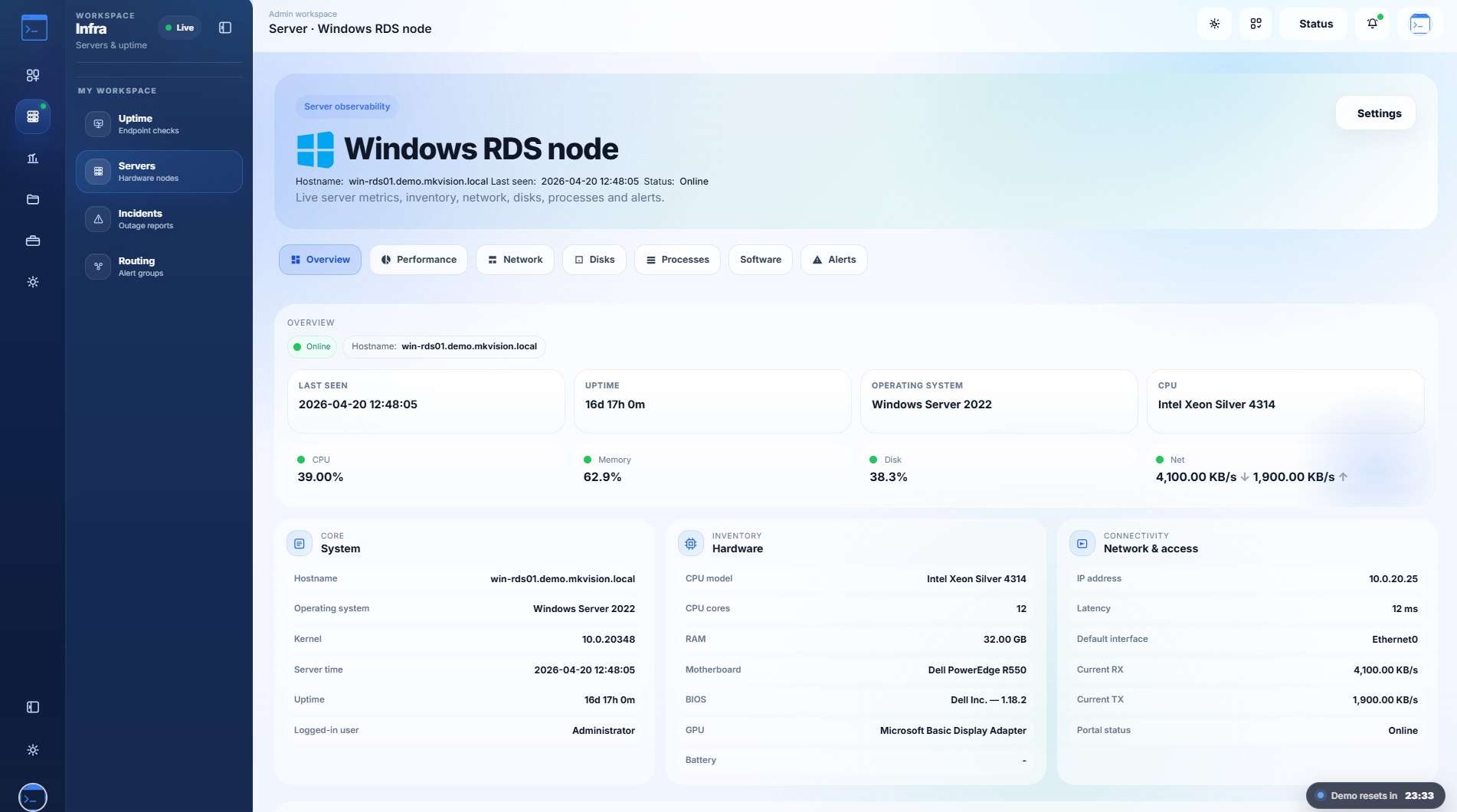
06 / Server Observability & Security

Track hardware health, processes, and secure admin access.

Install agents on Linux, macOS, or Windows to stream CPU, memory, disk, and per-core metrics. Secure the entire platform with granular roles, session auth, QR-based 2FA, and a global activity log.

  • Agent-based server metrics, heartbeats, and process inspection
  • Granular user roles, permissions, and QR-based 2FA
  • Comprehensive admin activity and audit logging
Servers
CPU 24% · healthy
2FA enabled
RAM usage
Complete Feature Grid

Every engine powering the platform.

A unified architecture where monitoring alerts, web audits, support tickets, file workspaces, and financial approvals all share the same identity and data structures.
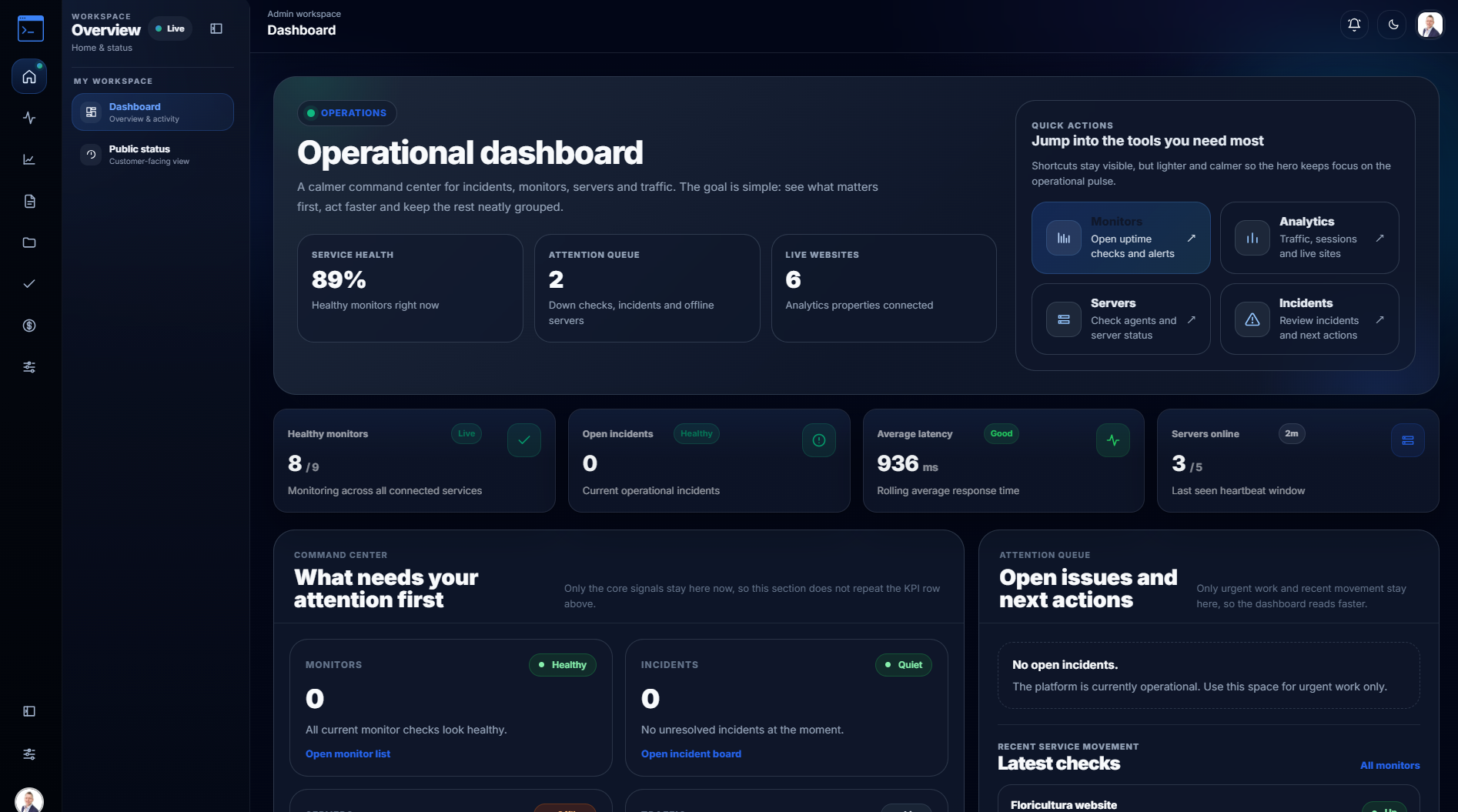
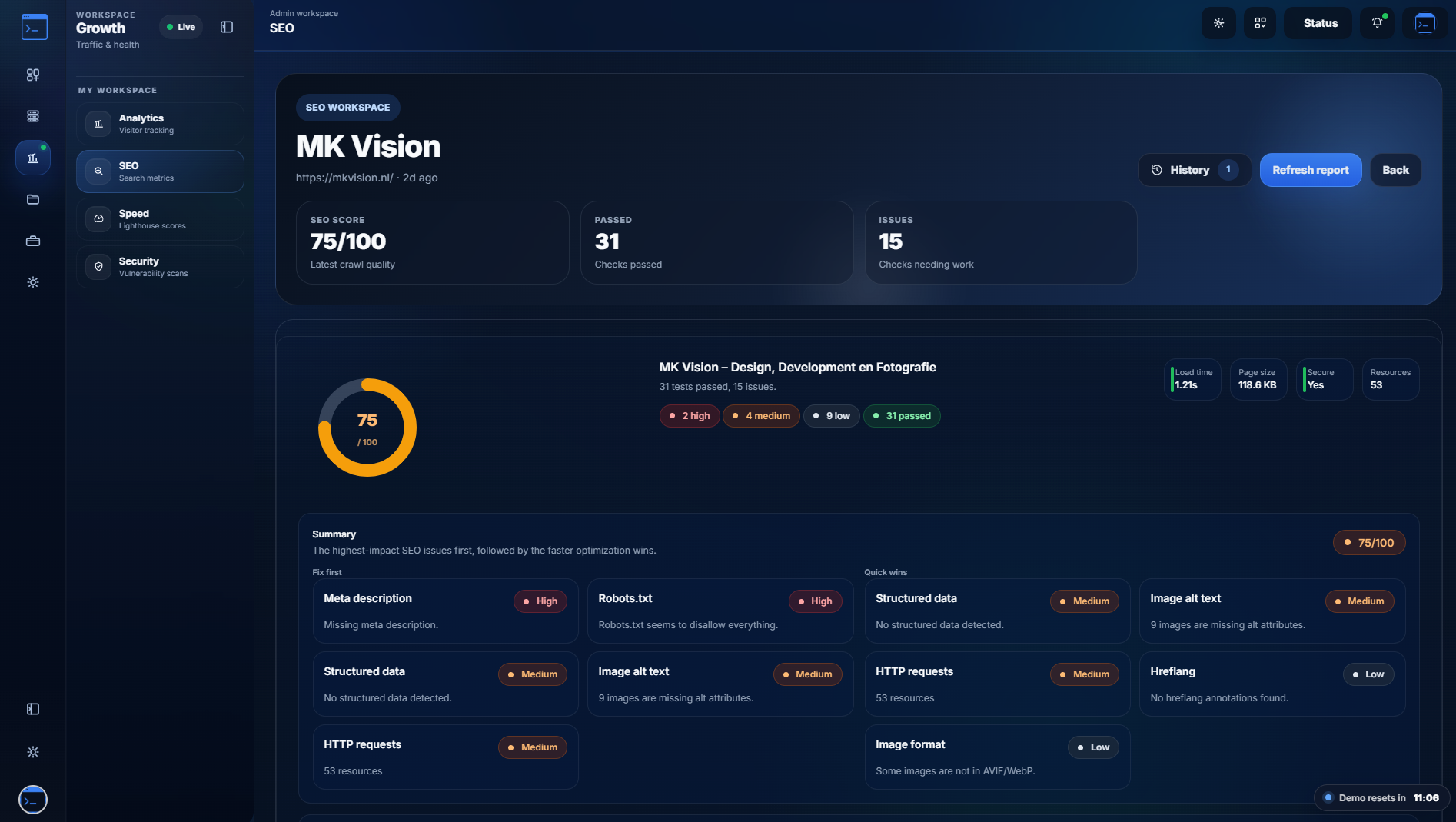
Command Center
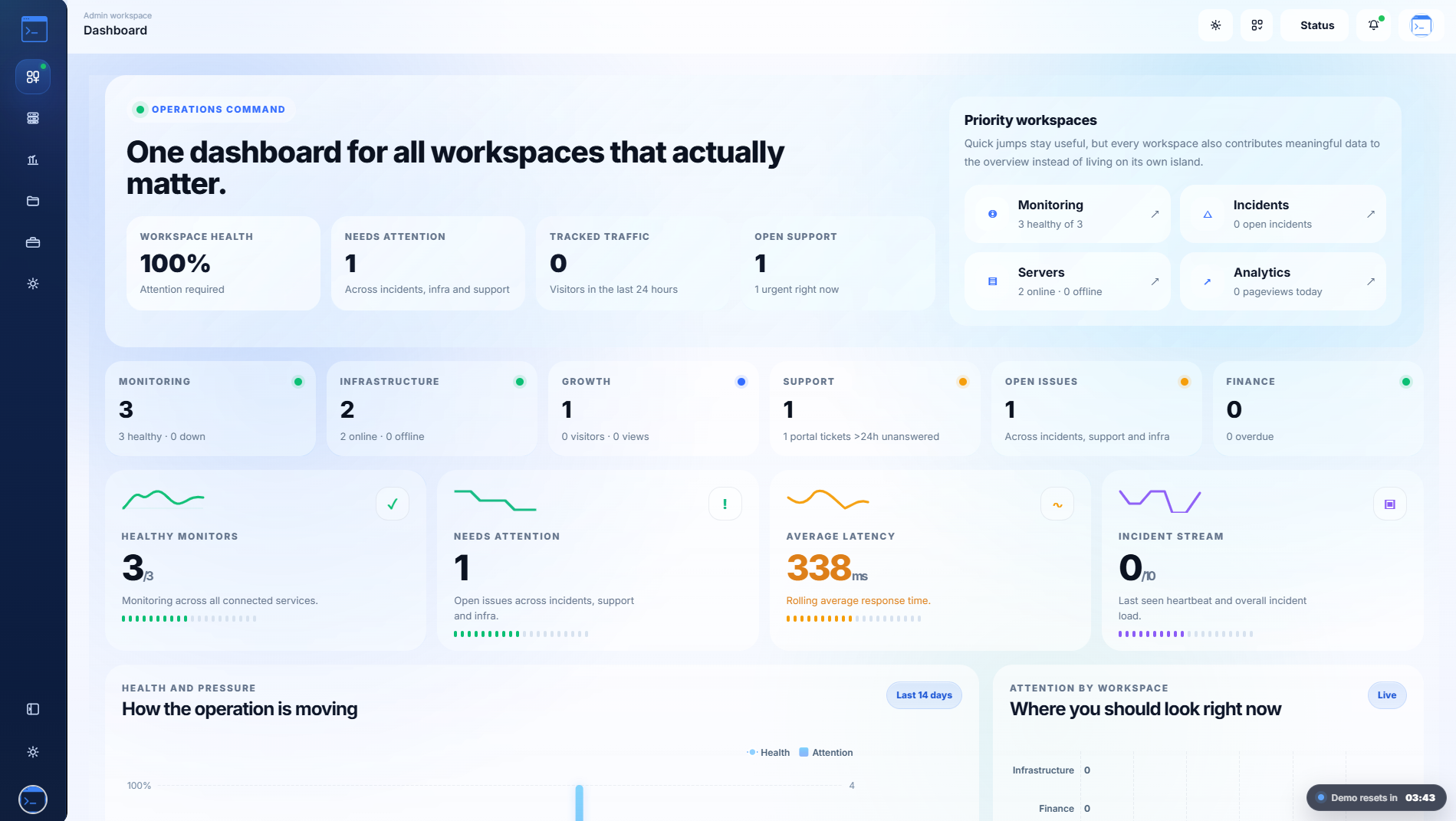
Central dashboard combining monitors, latency, server health, open incidents, and SEO/PageSpeed scores.
Monitoring & Status
HTTP, Ping, and SSL checks with customer-facing PWA status pages, maintenance windows, and subscriber notifications.
Server Observability
Linux, macOS, and Windows agents. Track CPU, RAM, disks, network traffic, running processes, and hardware inventory.
Website Analytics
Track pageviews, live visitor journeys, and entry/exit pages. Filter by UTM campaigns, locations, devices, and OS.
SEO & PageSpeed
Recurring audit layer. Track SEO scores, run automated desktop performance checks, and trigger cron warnings.
Web Security Scans
Dedicated security scanning. Store website vulnerabilities in a Nessus-style workflow, separate from server tracking.
Docs & Files
Block-style rich internal knowledge base plus a full file manager with ZIP extraction, team spaces, and storage stats.
Project Management
Board, calendar, and timeline views. Manage cycles, client connections, and send branded PM progress emails.
Tickets & Support
Public portal with 6-digit secure access. Convert support requests directly into project issues with integrated history.
Quotes & Invoices
Secure public review links, digital signatures, shared line items, VAT, and automated PDF invoice workflows.
Identity & Security
Manage users, granular roles, session-based auth, and QR-code 2FA setups with a global admin activity log.
Platform Integrations
Slack and Teams webhooks, branded SMTP templates, dynamic API endpoints, and full standalone mobile PWA support.
Integrations + Alert Delivery

Route updates to the channels
your team already uses.

Gmail, Slack, Microsoft Teams, and webhook endpoints connect alert policies while the public status page stays customer-facing and separate.

GmailGmail
SlackSlack
TeamsMicrosoft Teams
WebhookWebhooks
How we deliver

Our process is intentional.

Every alert flows through a deliberate pipeline — from check to customer, with zero noise and full control.

Step 01
Discover checks and incidents.

Website, SSL, ping, and grouped services are monitored on a recurring schedule. Any deviation creates an incident automatically, ready to be routed.

Monitoring checks
Step 02
Translate into alert policy and routes.

Per-monitor or site-wide routing rules determine exactly which channels receive which alerts. Granular control means no alert fatigue and no missed incidents.

Alert policy
Step 03
Integrate channels and brand voice.

Internal notifications and the customer-facing public status route run in parallel. Branded email templates, Slack messages, and webhook payloads go out simultaneously.

Delivery channels
Step 04
Refine visibility and customer trust.

Gmail, Slack, Teams, and webhooks reach users wherever they are. The public PWA status page gives customers live, transparent service health without any login required.

One portal, many routes

Send teams to the dashboard,
customers to the right public route.

Use the landing page to explain the product, the dashboard for daily work, and public pages for status, ticket support, or secure offer approvals.

Open Dashboard → View Status Page